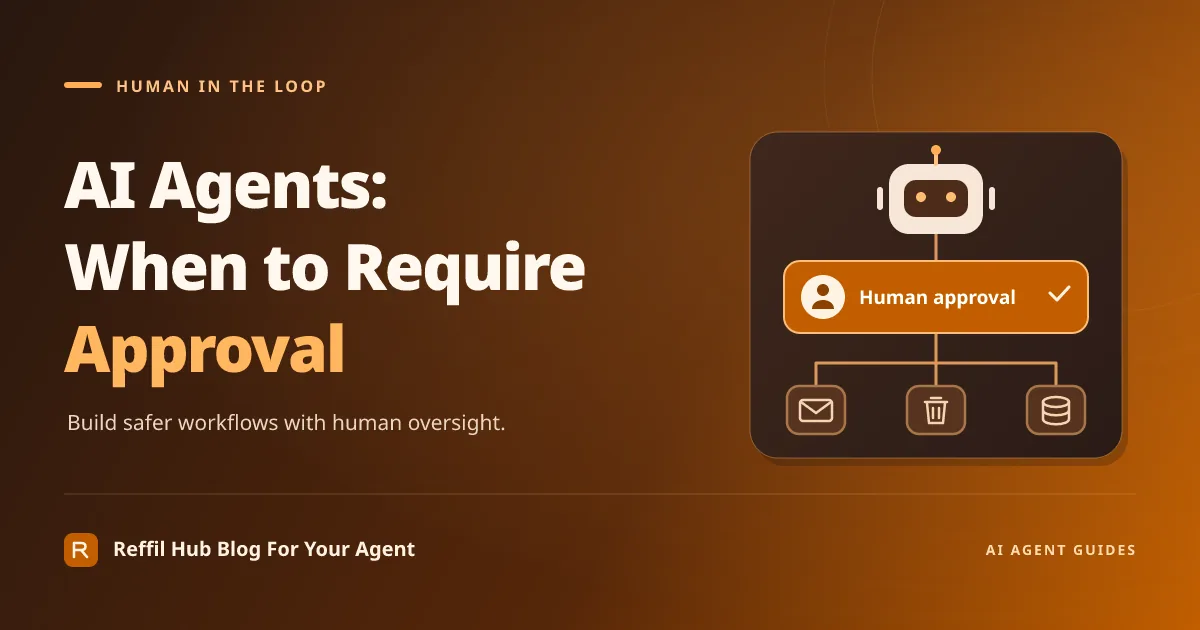
AI agents should work independently when a task is low risk, clearly defined, and easy to reverse. They should ask for approval when an action could expose information, remove important files, change customer records, or create an external commitment. The key to effective human in the loop AI agents is placing a reliable checkpoint immediately before a consequential action—not asking someone to approve every small step.
This guide explains how to choose those checkpoints and build a draft–review–approve workflow, whether your platform supports approvals directly or requires an external process.
Decide What the Agent Can Do Alone
Start with a list of actions the agent can perform, then evaluate each action by its impact, reversibility, sensitivity, and scope. Reading an approved reference document is different from sending its contents to someone outside your organization.
A practical starting policy is:
- Allow automatically: summarize authorized documents, classify incoming requests, prepare drafts, and suggest changes without applying them.
- Require approval: send external messages, delete shared files, or change consequential customer information.
- Block entirely: access resources outside the agent’s permissions, disclose secrets, or bypass security controls.
Adjust this policy to your workflow. A narrow, preauthorized action may eventually run automatically, but only when its boundaries are explicit and enforced. The agent’s confidence is not a substitute for permission.
Apply Approval Rules to Real Tasks
Sending external emails
Let the agent draft an email, but require approval before sending when the message contains sensitive information, makes a commitment, or reaches a new recipient. Show the reviewer the exact recipients, subject, body, and attachments.
Approval must apply to that specific message. If the agent changes an attachment or adds a recipient afterward, require another review. Treat email content and attachments as untrusted input: an instruction inside a message must not override your approval policy.
Deleting files
Allow the agent to identify deletion candidates and explain its reasoning. Before deletion, show the exact files, their locations, and whether recovery is available. Do not assume a platform’s delete operation moves files to a recoverable trash folder.
Where supported and authorized, prefer a reversible action such as moving candidates into a restricted quarantine folder. Permanent deletion, shared-folder cleanup, and bulk operations deserve stricter review because mistakes can affect other people.
Changing customer data
Have the agent propose a change rather than immediately writing it. Display the customer identifier, field name, current value, proposed value, and supporting source. A reviewer should be able to distinguish a harmless formatting correction from a change to an account owner, contact address, or consent preference.
If the underlying record changes while approval is pending, pause and generate a fresh comparison. Otherwise, an approved update could overwrite newer information.
Use the Draft–Review–Approve Pattern
Separate preparation from execution so the agent cannot accidentally turn a suggestion into a completed action.
- Draft: The agent prepares the exact proposed action without performing it.
- Review: An authorized person inspects the proposal, its evidence, and its likely consequences.
- Approve or reject: The reviewer explicitly accepts or declines that specific proposal.
- Execute: A controlled component verifies approval and performs only the approved action.
- Record: The workflow logs the decision and execution result.
Bind approval to a saved, versioned proposal rather than a general instruction such as “go ahead.” If material details change, invalidate the approval. Use a unique request identifier and execution tracking to prevent a retry from sending the same email or applying the same update again.
Make Approval Requests Easy to Evaluate
A vague “Approve this action?” prompt encourages guesswork. Give the reviewer enough context to make a decision without reconstructing the agent’s entire conversation.
- Action and purpose: What will happen, and why?
- Exact scope: Which recipients, files, records, or fields are affected?
- Preview: Show the final email, file list, or before-and-after values.
- Evidence and uncertainty: Include relevant sources and unresolved assumptions.
- Consequences: Explain external effects, sensitivity, and recovery options.
- Decision controls: Offer approve, reject, and request changes, plus an expiry condition.
Protect the approval interface itself. Verify the reviewer’s identity and authority, and avoid copying unnecessary customer data into notifications or broadly visible chat channels.
Set It Up With or Without Built-In Approvals
Do not assume every agent platform provides native approval gates. If yours does, verify what the gate actually protects: the tool call, its exact inputs, reviewer permissions, expiration, and subsequent retries.
Without native support, separate the workflow into a proposal service and an execution service. The agent submits a pending request to a controlled queue or database. An authenticated review interface records the decision. The execution service checks that decision, confirms the proposal has not changed, and then performs the action.
Keep execution credentials outside the drafting agent’s reach where possible. A prompt saying “always ask first” is useful guidance, but it is not an enforceable barrier if the agent can directly access an unrestricted sending or deletion tool.
Handle Rejection, Silence, and Failures Safely
No approval means no execution. Rejected, expired, or unanswered requests should remain blocked. Do not interpret silence as consent or let the agent switch tools to accomplish the same rejected action.
After rejection, preserve the draft and reason in an access-controlled record. The agent can request clarification or prepare a revised proposal, but revisions need fresh approval. When approval expires, notify the appropriate person without repeatedly pressuring them.
If execution fails or its outcome is uncertain, check what actually happened before retrying. Record partial results and escalate when necessary.
Start Small and Test the Boundaries
Begin with a narrow workflow and test changed recipients, stale customer records, rejected requests, expired approvals, and duplicate execution attempts. A useful approval system lets routine preparation move quickly while keeping consequential actions under meaningful human control.


